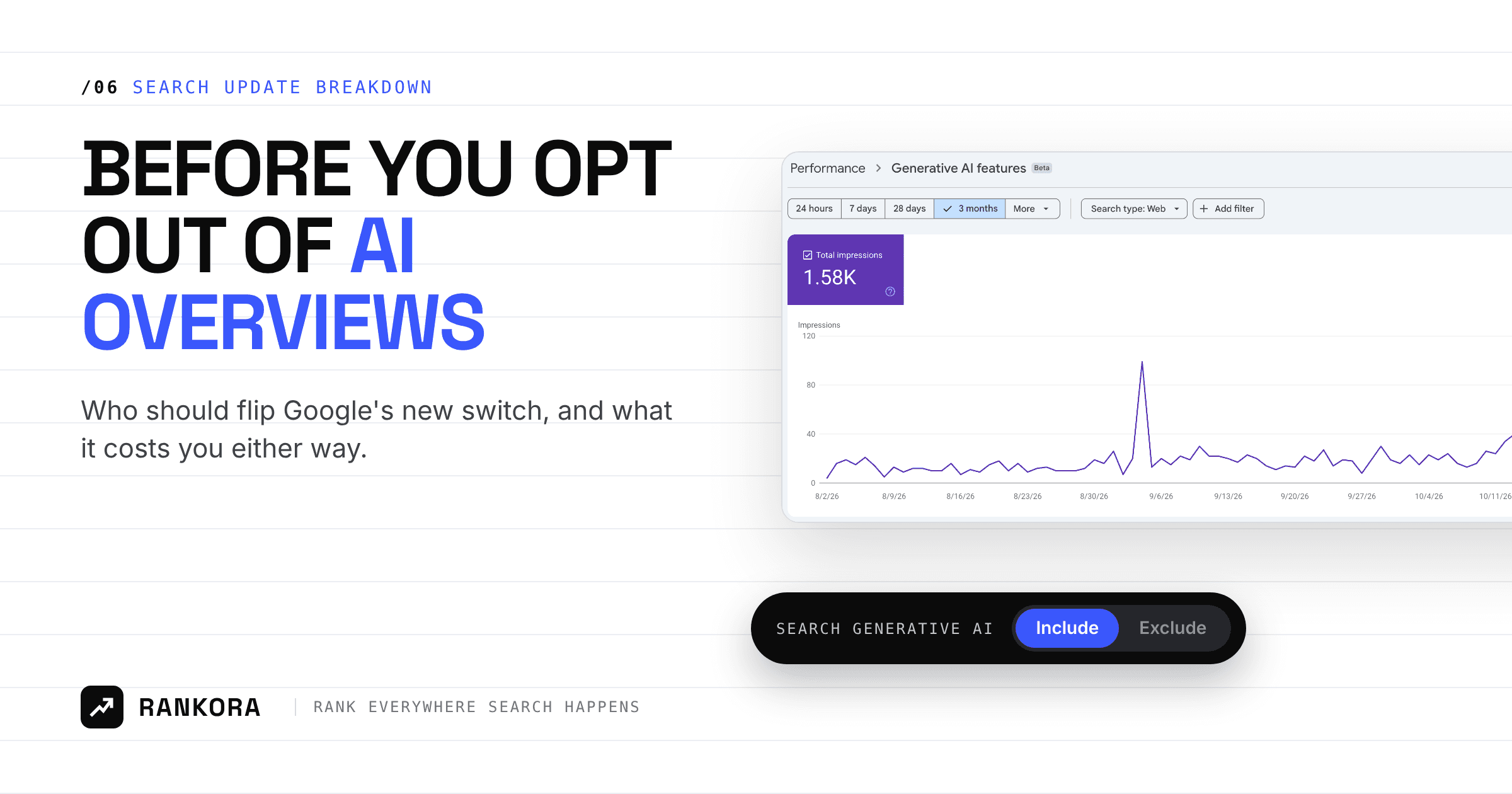
Yes, you can opt out of AI Overviews. Google's Search generative AI control, a Search Console setting live for every site since August 31, 2026, removes your links and content from AI Overviews, AI Mode and Discover's AI features. It doesn't touch your regular rankings or Gemini training. The price is zero AI impressions and zero AI traffic.
This week the control moved from a help article into Google's core documentation. On October 21, Google updated its Control what you share with Google Search page to list it beside noindex, robots.txt and data-nosnippet as one of seven ways to manage how your content appears.
That matters because it's now an official, documented lever, and clients will ask about it. Some will want to flip it out of frustration with falling click-through rates. So start with the question that decides everything: who should actually use it?
Who should opt out of AI Overviews?
Very few sites. The switch makes sense only when an AI answer can replace the thing you sell, or when you're not allowed to let it be reused. For everyone else, opting out hands the citation to a competitor, because the AI Overview still appears without you.
Consider opting out | Stay in |
|---|---|
Subscription or paywalled publishers, where the content is the product and a summary can replace the visit | Local service businesses, whose buyers read the AI answer before they call anyone |
Owners of licensed or proprietary data, with contracts that limit how it's reused | SaaS companies, where being named in "best tool for X" answers is pipeline |
One section with no commercial value from AI impressions, excluded on its own folder | Ecommerce stores, especially with Merchant Center feeds, which the control doesn't override anyway |
Sites whose generative AI report shows impressions on pages that lose clicks and earn nothing back | Agencies, freelancers and consultants, who sell expertise that AI citations put in front of buyers |
Three questions settle it for any client:
Does the AI answer replace what you sell? If people pay for the information itself, a full summary is a lost sale. If they pay for a service or product, the citation is a lead.
Are you contractually required to control reuse? Licensed data, syndicated research and some partner content come with terms that may make exclusion the safe default.
Does the data say AI impressions are costing you? Pull the generative AI performance report and compare the same pages' clicks and conversions. If you can't name a loss, there's nothing to fix.
If the answer to all three is no, leave the setting on Include. Even when one answer is yes, the safer move is a scoped exclusion on one folder, measured for a month, rather than a domain-wide switch.
What does the Search generative AI control actually do?
It's a per-property toggle in Search Console under Settings, then Search generative AI. According to Google's Search Console Help documentation, it has three positions:
Setting | What happens |
|---|---|
Include (default) | Your links and content can appear in and ground AI Overviews, AI Mode and Discover AI features |
Exclude | Your content can't be shown, linked or used for grounding. You get no traffic or impressions from these features |
Inherit from parent | A child property follows the closest parent property that has its own setting |
Google says exclusion generally takes effect within 1 to 2 days, with some content taking longer because of caching. It also says the list of covered features may change over time, so check the help page before you advise a client, not this post.
Google had flagged the trade-off when it first announced the control in June: sites that opt out won't receive traffic or impressions from generative AI features. There's no partial version.
What opting out of AI Overviews does not do
Most of the bad advice on this topic comes from assuming the control does more than it does. It's narrow.
It isn't a ranking signal. Google states the control isn't used as a ranking or inclusion signal for other parts of Search. Your blue links stay where they are.
It doesn't stop AI training. That's a separate control. Google-Extended, a robots.txt token, governs whether your content trains Gemini models, and Google says it doesn't affect inclusion in Search.
It doesn't remove your competitors. Excluding your site does nothing to similar content from other sites. The AI Overview still appears, it just cites someone else.
It doesn't reach ChatGPT, Perplexity or Claude. This is a Google Search setting. Other AI engines run their own crawlers under their own rules.
It doesn't override Merchant Center or Google Ads choices. Those participate on their own terms.
Here's the cleaner way to think about it:
Your goal | The right control |
|---|---|
Keep content out of AI Overviews and AI Mode | Search generative AI control set to Exclude |
Keep content out of Gemini model training |
|
Keep a page out of Google Search entirely | noindex |
Stop a specific passage being quoted |
|
Can you opt out of AI Mode for just one section of a site?
Partly. There are no page-level controls yet, but inheritance gives you section-level control. Verify a URL-prefix property for a folder, such as /research/, and set that child to Exclude while the domain stays on Include. Owners of the top-level domain property get notified when a child overrides the parent.
Page-level controls are coming because a regulator required them. The UK's Competition and Markets Authority gave Google nine months from June 3, 2026 to give publishers effective tools to keep content out of AI search features. Search Engine Journal reported that page-level controls fall inside that window, which puts the deadline around early March 2027.
What to do about it this week
Audit the setting on every client property. Open Settings, then Search generative AI, on each domain and URL-prefix property. A child property someone verified years ago can carry an override nobody remembers.
Pull the generative AI performance report before any decision. It shows which pages earn impressions in AI Overviews and AI Mode, by country and device. It doesn't show clicks or queries, so pair it with the standard Performance report for those same pages.
Record a baseline. Export AI impressions, organic clicks and your tracked keyword positions for the affected pages. If a client excludes, you'll need this to prove what changed and what didn't.
Separate the two questions clients mix up. "I don't want Google training on my content" is a Google-Extended rule. "I don't want to appear in AI answers" is the Search Console control. Put both in your onboarding audit so nobody uses the wrong one.
Check visibility outside Google too. Opting out of Google's features leaves ChatGPT, Perplexity and Gemini app answers untouched, so measure brand mentions across ChatGPT, Perplexity and Gemini before you assume a client's AI exposure is solved either way.
FAQ
Who should opt out of AI Overviews?
Mainly subscription and paywalled publishers, owners of licensed data, and sites whose own data shows AI impressions replacing paid visits. Local businesses, SaaS companies, ecommerce stores and agencies usually lose more than they gain, because the AI Overview still appears and simply cites a competitor instead.
How do I opt out of AI Overviews?
In Search Console, open the property, go to Settings, then Search generative AI, and select Exclude. Google says your content should drop out of AI Overviews, AI Mode and Discover's AI features within one to two days, though cached content can take longer. You need owner access to the property to change it.
Will opting out of AI Mode hurt my Google rankings?
No. Google states the Search generative AI control isn't used as a ranking or inclusion signal for other parts of Search. Your regular organic listings are unaffected. What you lose is every impression and click that came through AI Overviews, AI Mode and Discover's AI features.
Does the control stop Google using my content to train AI?
No. The control doesn't affect AI training. To stop your content training Gemini models, add a disallow rule for the Google-Extended token in robots.txt. If a client wants out of both AI answers and training, they need both settings.
Can I exclude only some pages?
Not yet at the page level. You can exclude a folder by verifying it as a URL-prefix property and setting that child property to Exclude. The UK regulator's nine-month deadline from June 2026 is expected to bring page-level controls by around March 2027.
How do I know if AI Overviews are sending my site traffic?
Start with the generative AI performance report in Search Console, which shows AI impressions by page, country and device. It doesn't report clicks or queries, so compare those pages against the standard Performance report and your analytics to judge what the AI features are worth.
What to watch next
Two things. First, Google said it will add more metrics to the generative AI reporting over time, and click data is the gap that decides most of these calls. Second, the CMA deadline in early 2027, which should bring page-level controls and make scoped exclusions far easier.
Until then, treat the toggle as a decision you make with data, per property, not a protest. Being cited in AI answers is usually a byproduct of pages structured to get quoted, and switching it off removes a channel your competitors will happily keep. If you want both sides in one view, AI visibility tracking across Google and AI engines is what we built Rankora to do.
My opinion - don't do it until your website have pay and read model.
Tagged